
Before users can submit feedback, an administrator needs to set the Admin Group and (optionally) configure the JSM Help Center prompt.
Open the Admin page
From Jira's top navigation, open Apps → Manage apps, then click Togetha Feedback Admin (also reachable directly from the Jira admin cog if you're a site admin).
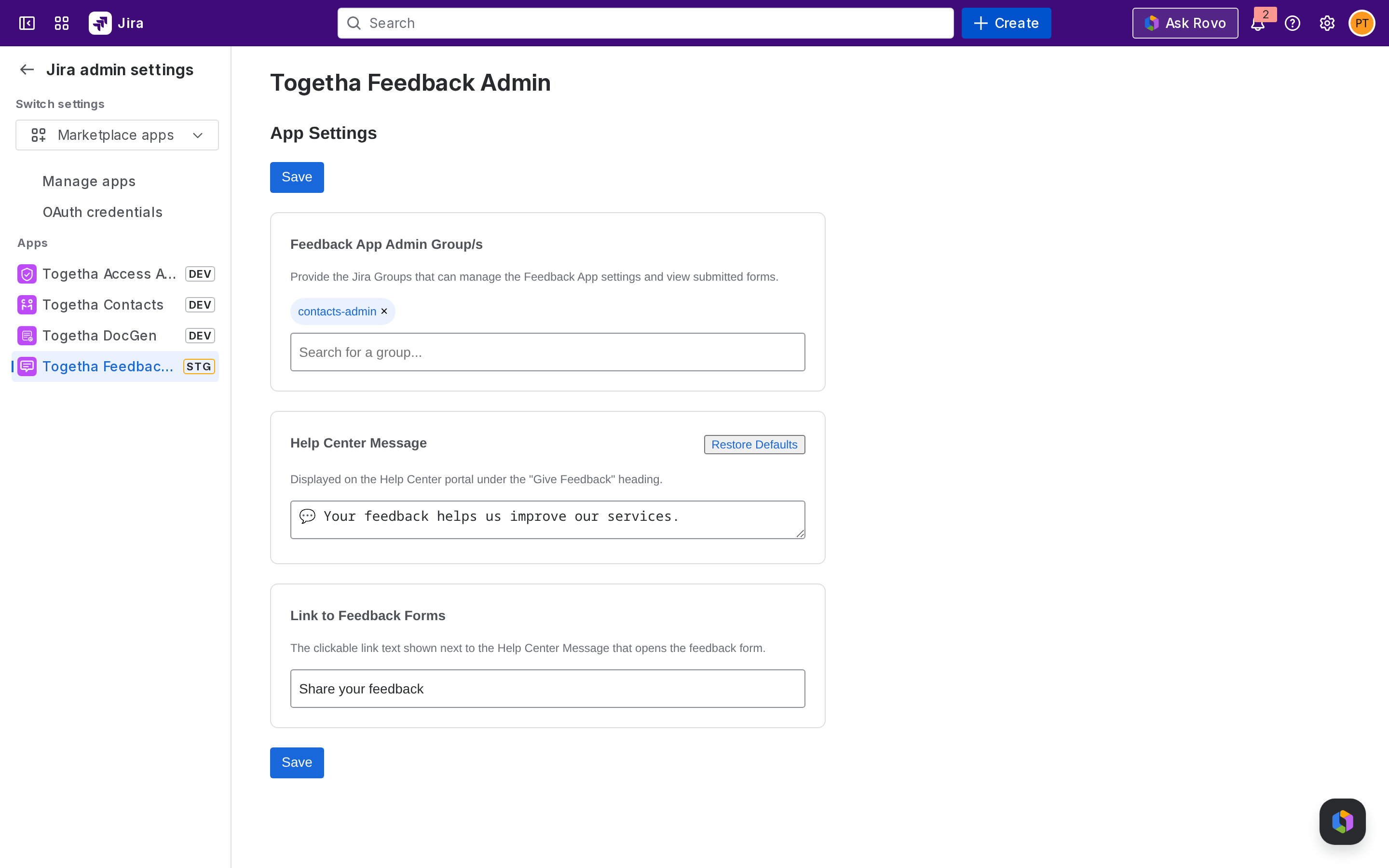
The page opens on the App Settings tab.
Set the Admin Group
The Admin Group controls who can administer the app, create forms, map fields to Jira, and review submissions.
-
Click the Admin Groups picker.
-
Search for and select one or more Jira groups.
-
Click Save.
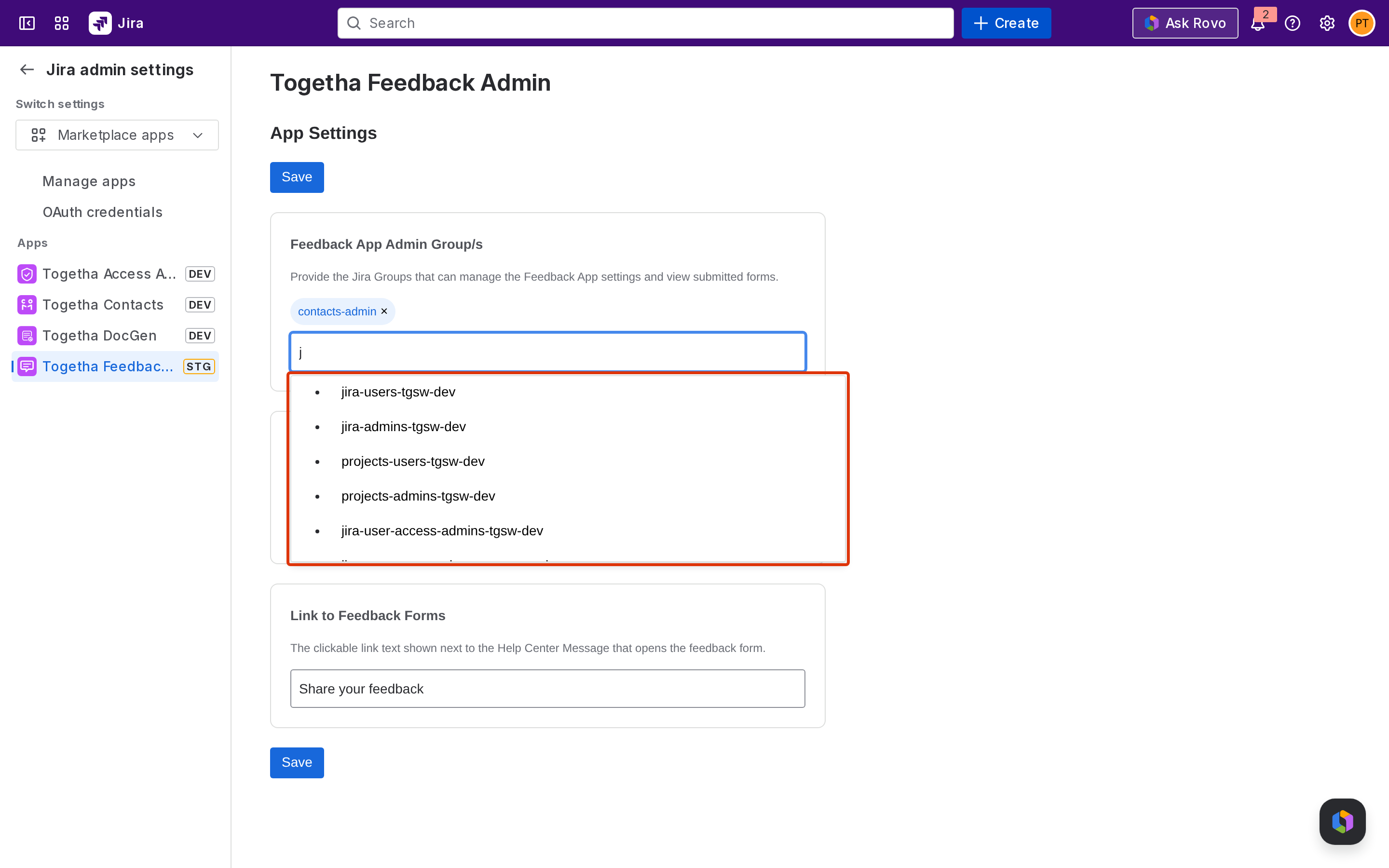
Important: Jira site administrators always have admin access regardless of this setting. If no admin group is configured, only Jira site administrators can administer the app, every other user is locked out of the admin features. Add at least one group so non-site-admin members of your team can administer the app.
Configure the Help Center prompt (optional)
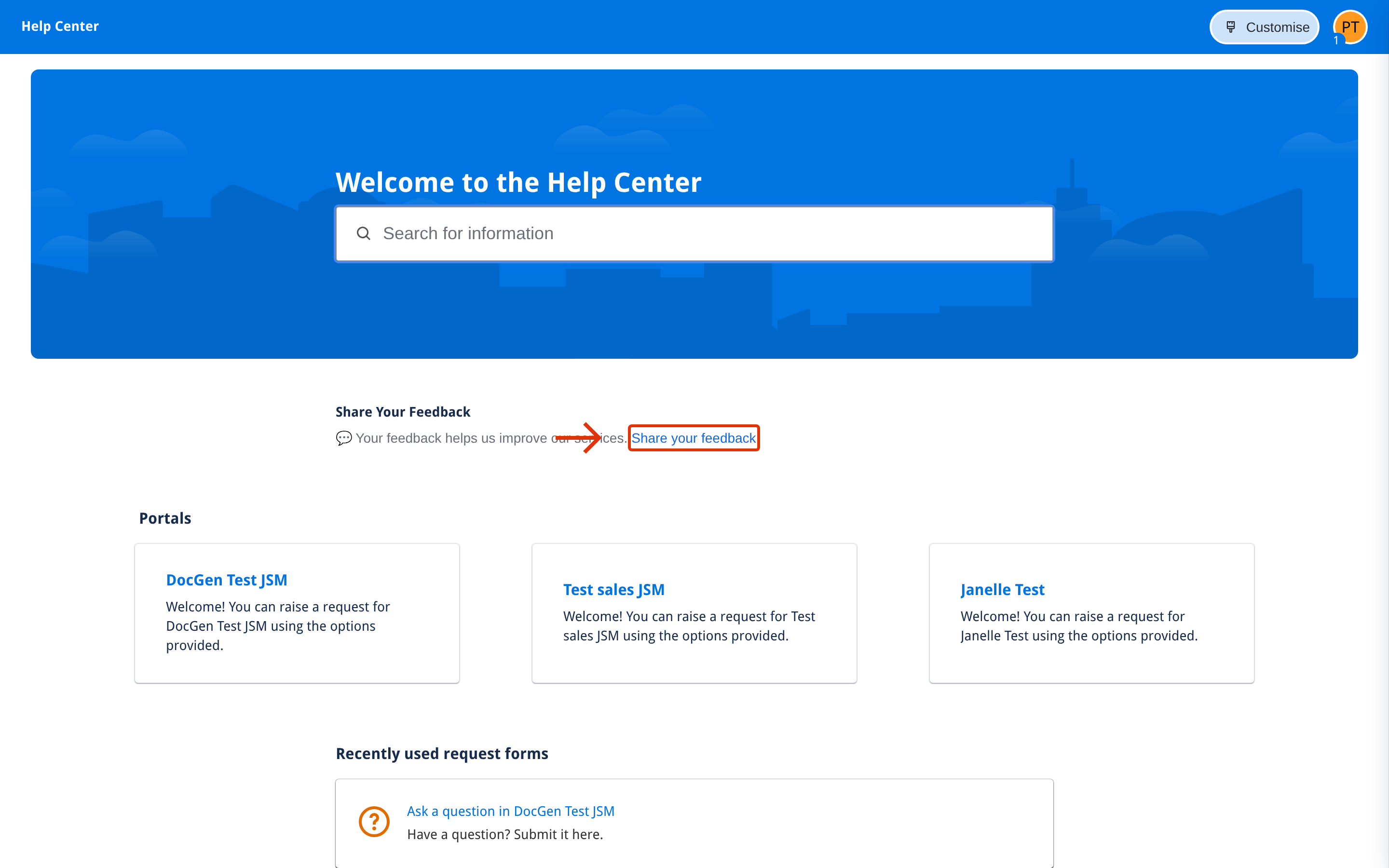
If you use Jira Service Management, a Share Your Feedback prompt appears in the JSM Help Center subheader. The prompt links your customers to the feedback forms you've published.
By default the subheader has no extra prompt configured.
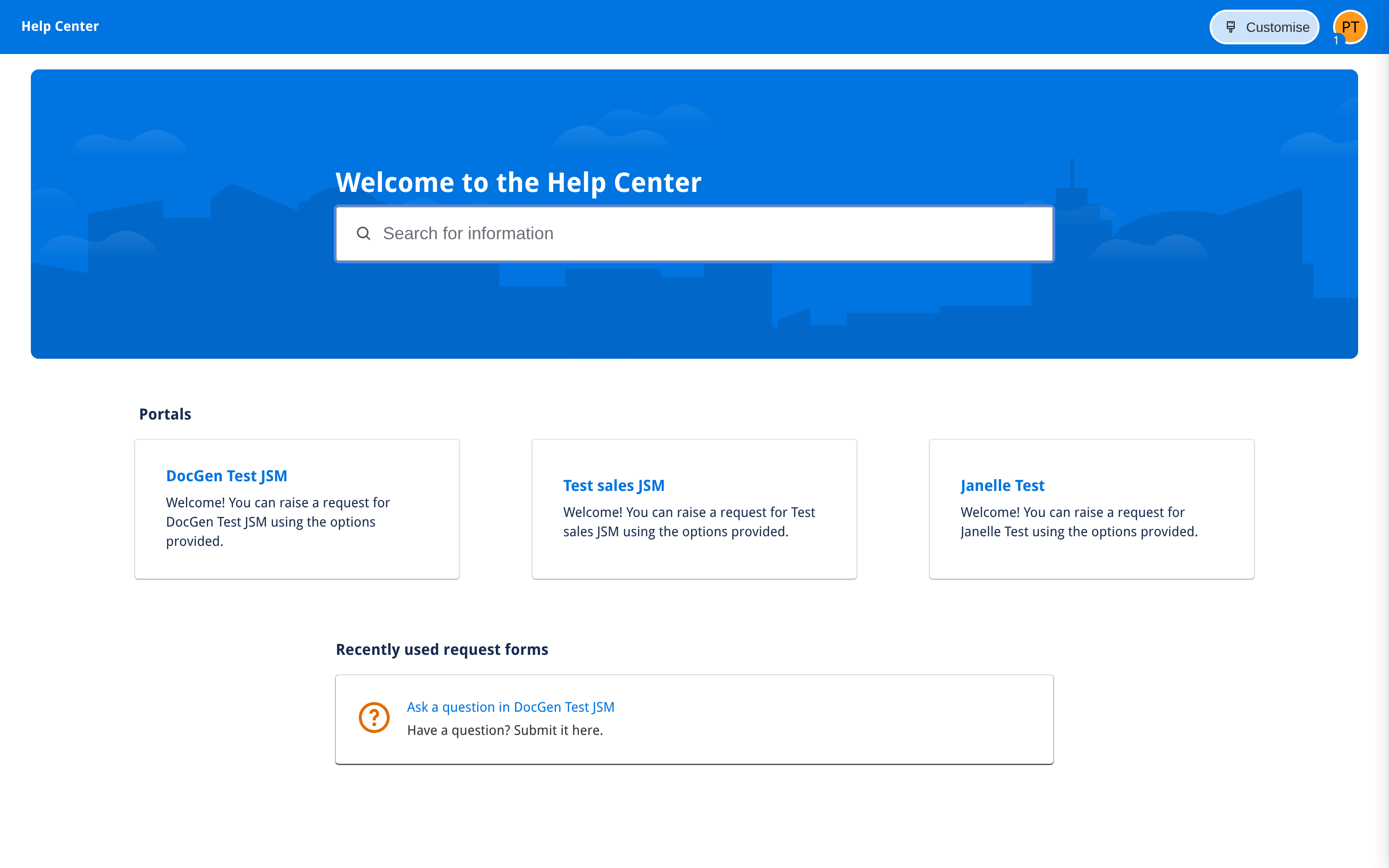
To configure it:
-
On the App Settings tab, edit the Help Center prompt text, which is the message shown to portal customers.
-
Edit the Help Center link text which is the call-to-action wording.
-
Click Save.
Next step
Creating a feedback form - build your first form with the 3-step wizard.