
Get a license directly from the Atlassian Marketplace
-
Go to the Togetha MailDrop for Confluence Marketplace listing.
-
Click the Try it free button.
-
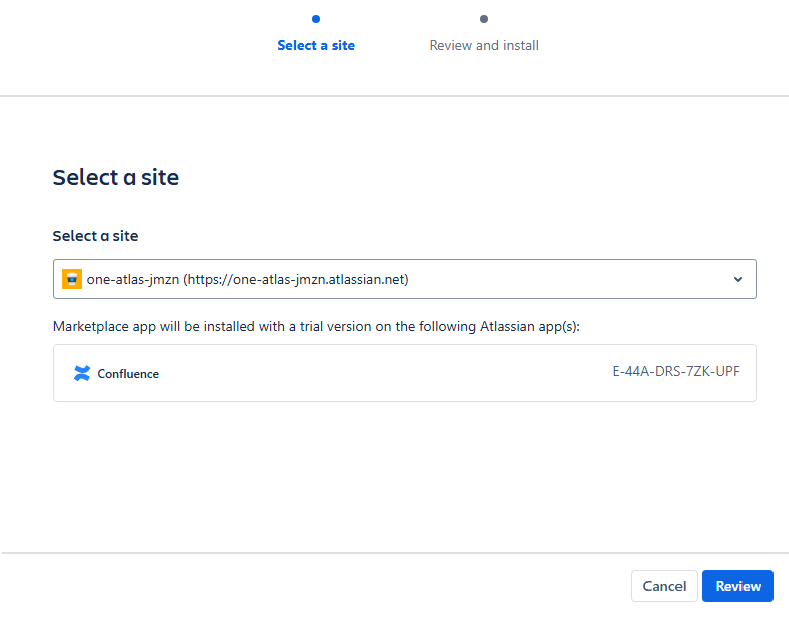
Select the Confluence instance you want to install the app on, then click Review.
-
Click Start free trial. Confluence will download and install the app and a success message will notify you when it’s done.
-
Start using the app!
Install directly on your Confluence Cloud instance
-
Log in to your Confluence instance as an admin.
-
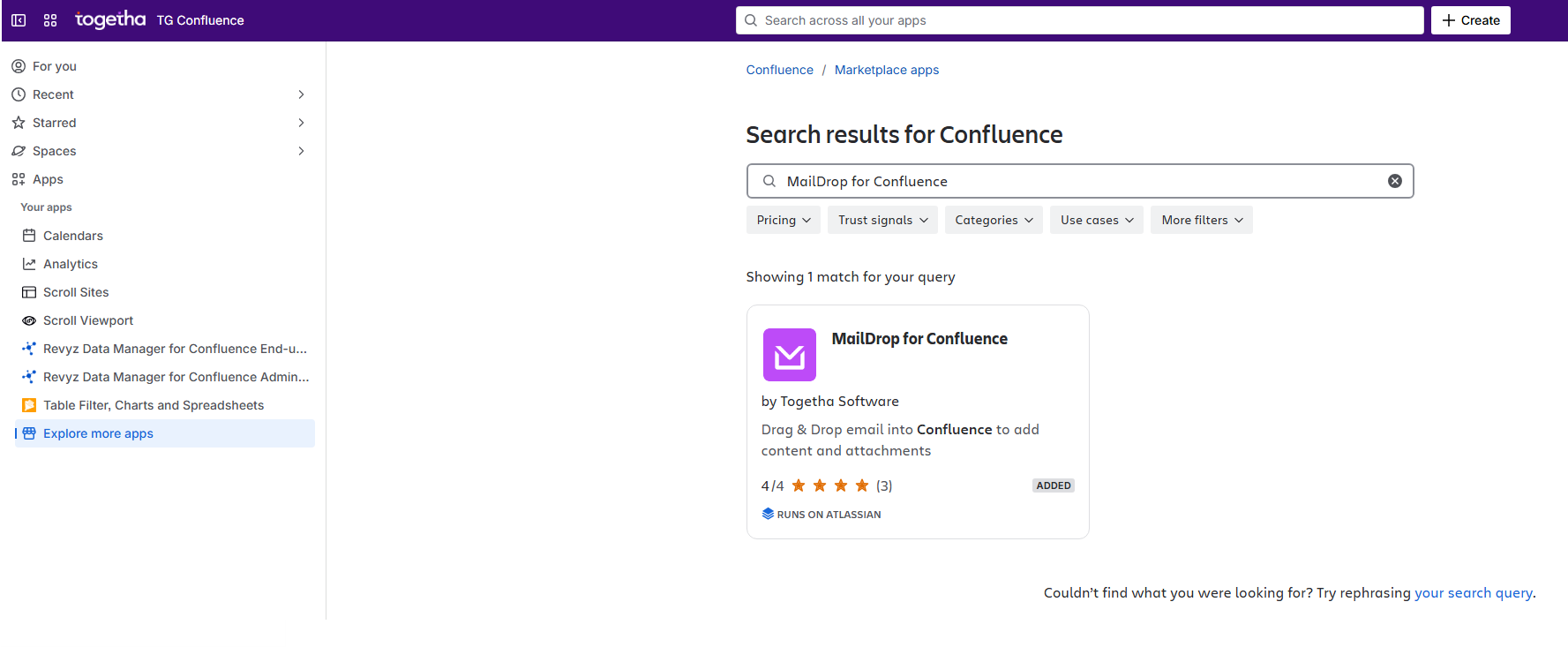
Select the Apps dropdown menu from the left navigation bar, then choose Explore new apps.
-
Type Togetha MailDrop for Confluence in the search bar and select the app.
-
Click Try it free to begin a 1-month trial of Togetha MailDrop for Confluence.

-
Click Start free trial. Confluence will download and install the app and a success message will notify you when it’s done.
-
Start using the app!